Headless WordPress is not inherently bad for SEO — but the way most teams implement it is. When rendering, metadata, redirects, and internal linking are rebuilt carelessly, a headless WordPress SEO strategy can lose rankings that a conventional WordPress theme would have protected automatically. Headless WordPress SEO failures are predictable — and each one has a known fix. guide shows developers and technical marketers exactly where decoupled SEO breaks, why it breaks, and how to ship a headless WordPress build that ranks as well as — or better than — a traditional theme.
Quick navigation: Quick Answer · What Headless Means · Why It Gets a Bad Reputation · SEO Advantages · 10-Step Checklist · Comparison Table · Should You Go Headless · FAQ

Source: webhelpagency.com
Quick Answer: Does Headless WordPress Hurt SEO?
No. Google does not penalize a site for using a headless architecture. Google's own guidance on JavaScript and SEO confirms that content rendered with JavaScript be crawled and indexed, provided it renders reliably and is discoverable.
What actually hurts headless WordPress SEO is the implementation gap — the things WordPress themes handle for you by default that a decoupled front end no longer does. Server-side rendering, canonical tags, XML sitemaps, redirect chains, breadcrumb links, and editorial metadata fields all become your responsibility. Miss them and search engines see a thinner, slower, less connected site.
Treat head WordPress as an SEO trade, not an SEO penalty: you trade built-in defaults for control — and a headless build is a blank slate. Control wins when you use it deliberately.

Source: digitaldarzee.com
What "Headless WordPress" Actually Means (in Plain Terms)
In a traditional WordPress site, one system does two jobs: it stores content and renders the HTML a visitor sees. In a headless setup, those jobs split.
- The backend (the "body"): WordPress keeps its familiar editing experience — the block editor, media, categories, tags, users, and revisions. It content through the WordPress REST API or GraphQL.
- The frontend (the "head"): A separate application — typically Next.js, Nuxt, Astro, SvelteKit, or a native mobile app — fetches that content and renders the final page.
For your audience, the practical implications are specific:
| Role | What changes in a headless build |
|---|---|
| Copywriter | You still write in WordPress, but the published page may not match the preview exactly unless preview pipelines are configured. SEO fields (title, meta description, schema) live in a plugin, a custom field, or the frontend code. |
| Designer | Complete control over markup, layout, and performance — and complete responsibility for semantic HTML, heading order, and sizing. |
| AI-assisted content team | Structured content and clean JSON payloads make bulk publishing and programmatic SEO easier — but also make it easy to publish thousands of-quality pages fast. Quality gates matter more, not less. |
The architecture is neutral. Everything that follows is about how you use it.
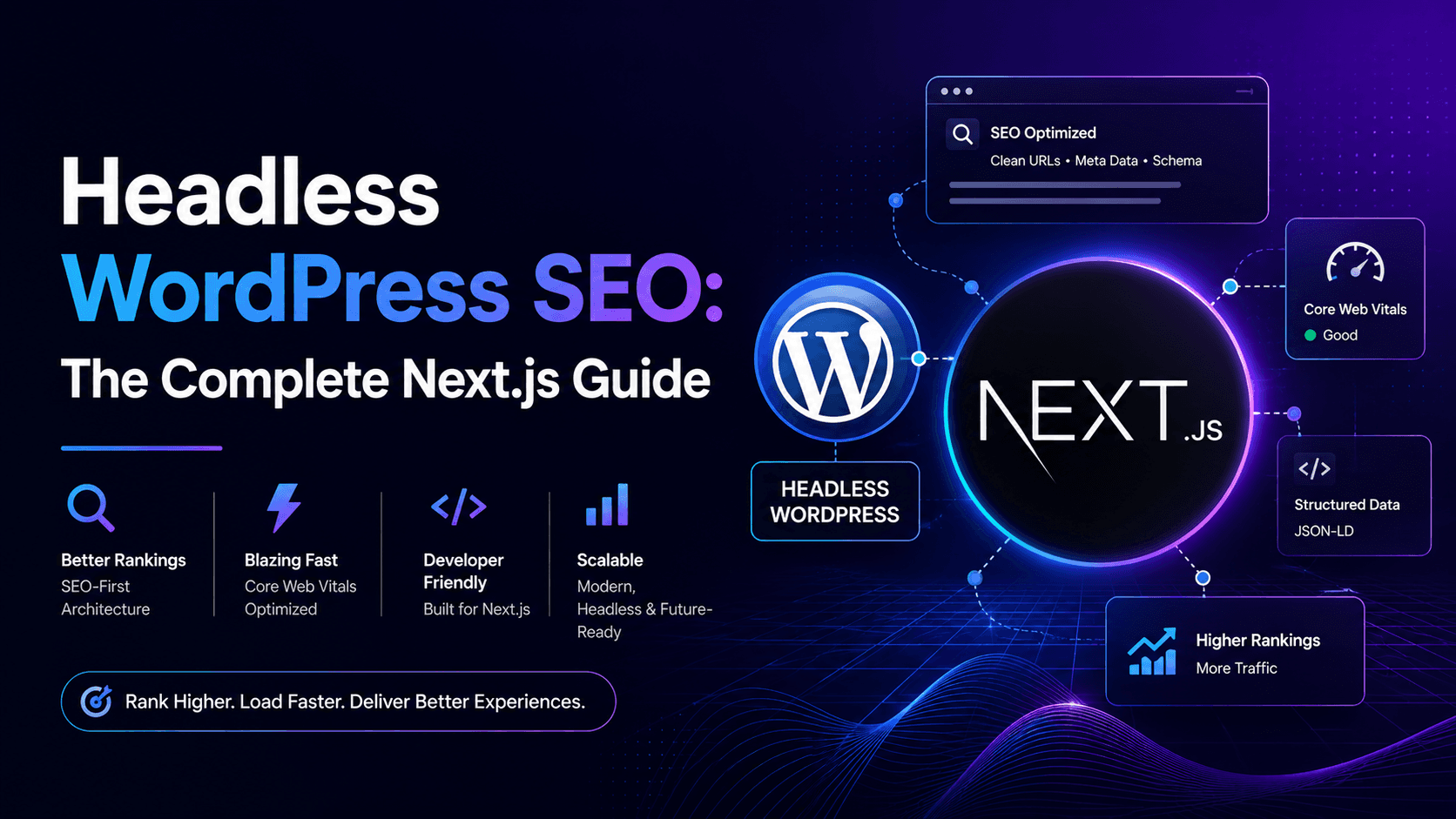
Source: www.devcritters.com
Why Headless WordPress Gets a Bad SEO Reputation
The reputation is earned, but comes from a handful of repeated mistakes rather than the model itself. Here are the six that cause the most damage to headless WordPress SEO.
1. Client-Side Rendering Delays Indexing
This is the classic failure. A team builds a React or Vue frontend that fetches content in the browser via a useEffect hook. The server returns an almost-empty HTML shell; the content appears only after JavaScript runs.
Google can render JavaScript, but rendering is a second, deferred pass — and it consumes crawl budget that could have gone to discovering your pages. If your API is slow, rate-limited, or in robots.txt, the render fails and Google indexes an empty page. Meanwhile, AI answer engines and social scrapers that read raw HTML see nothing at all.
If your page source does not contain your headline and body copy, you have an SEO problem regardless of how the design looks.
2. A Broken or Missing Metadata Layer
Yoast or Rank Math in a classic theme outputs title tags, meta descriptions, Open Graph tags, Twitter cards, and canonical URLs automatically. In headless builds, that plugin's output is rendered by PHP that no longer exists the page the visitor reaches.
Common symptoms:
- Every page sharing the site name as its title tag
- Missing or duplicated canonical tags
- Open Graph images missing, so shared links look broken
- No
hreflangon multilingual sites - Author, publish date, modified date absent from structured data
Search engines see a site with no editorial signals. Rankings follow the signals down.
3. Redirects Canonicals, and URL Migration Chaos
When you migrate from a themed WordPress site to a headless frontend, every URL needs a deliberate. Routes that existed as /blog/post-name/ can silently become /posts/post-name. Trailing slashes change. Pagination breaks. Category archives vanish entirely.
Each of those produces either a 404 or a duplicate. Multiply by a few thousand posts and you have a cliff that looks a penalty but is really a routing bug. Redirect mapping is not optional cleanup — it is the first deliverable of the migration plan.
4. Lost Internal Linking and Weak Sitemaps
Internal links are how search engines understand topical relationships and how they distribute authority. Themes breadcrumbs, related-post modules, and archive links automatically. Frontends do not — unless someone builds them.
Equally damaging is a hand-rolled sitemap that is generated once and never refreshed. A stale XML sitemap tells Google about deleted URLs and omits new ones. The fix is small but essential: generate the sitemap dynamically from the same API your pages use, and keep it in your pipeline.
###5. TTFB and Core Web Vitals Misconceptions
Headless is often sold as "automatically faster." That is only true if the frontend is built well. A statically generated Next.js site can be extremely fast. A cached SSR setup with an overloaded origin can be slower than a decent WordPress theme with a page cache.
Google's Core Web Vitals — Largest Contentful Paint, Interaction to Next Paint, and Cumulative Layout Shift — measure the experience users actually have, not the architecture on your résumé. Several common headless patterns actively damage these metrics:
- Hero images loaded through a client-side image component that delays LCP
- Fonts loaded after hydration, causing text pop-in and layout shift
- Large JavaScript bundles that block interaction and inflate INP
- Layout shifts skeletons that do not match final content size
6. The Unspoken Cost: Editorial Friction
This one rarely appears in technical audits shows up in rankings months later. When previews are unreliable, when adding a link requires a developer, when scheduling a post breaks the frontend build, writers publish less and edit carelessly.
Publishing velocity and content freshness are real ranking factors in competitive niches. An architecture that slows your team down eventually costs you visibility, even if every technical box is ticked.
The SEO Advantages of Headless WordPress
Once the pitfalls are, headless WordPress SEO genuinely outperforms traditional WordPress in several areas.
- Performance ceiling. Static generation and edge caching can deliver HTML in tens of milliseconds from locations close to the reader — something a PHP-rendered theme struggles to match globally.
- Full control over markup. decide the exact heading hierarchy, elements, and DOM. No theme bloat, no plugin-injected wrappers.
- **Security and uptime The WordPress admin can live behind authentication or on a separate subdomain, shrinking the attack surface and removing the admin from the critical path.
- Multi-channel publishing. One content source feeds the website, a mobile app, a documentation portal, and AI retrieval systems — with appropriate formatting.
-Cleaner structured data.** Because you control the templates, you can output precise schema on every template type instead of relying on a plugin's defaults. - Better content modeling. Custom post types and fields designed up front produce consistent, machine-readable content — a genuine advantage for AI search visibility.
How Avoid the Pitfalls: A Headless WordPress SEO Checklist
These advantages only materialize when the pitfalls above are neutralized. Work through the following steps in order. The first four prevent catastrophic losses; the rest compound into competitive advantage.
Step 1: Choose the Right Rendering Strategy
Rendering strategy is the single highest-leverage SEO decision in a headless project. Pick per template type, not per site| Strategy | Best for | SEO implication |
|---|---|---|
| Static Site Generation (SSG) | Blog posts, evergreen pages, documentation | Content is in the initial HTML. Fast and most reliably indexable. |
| Incremental Static Regeneration (ISR) | Large content, frequently updated posts | Static speed with freshness. Excellent for high-volume publishing. |
| Server-Side Rendering (SS) | Personalized, real-time, or logged-in views | Indexable but adds origin latency. Cache aggressively. |
| Client-Side Rendering (CSR) | Dashboards, account areas, app-like tools | Poor for public content. Avoid for anything you want ranked. |
For most content sites,G plus ISR covers 90% of pages. Reserve SSR for genuinely dynamic routes and never use CSR for indexable content.
Step 2: Rebuild the Metadata Layer Deliberately
Decide where SEO fields live before development starts. Two approaches work:
- Plugin-managed: Keep Yoast or Rank Math active in WordPress and expose their fields through the REST API. Copywriters keep a familiar interface.
2 Field-managed: Use ACF or native custom fields forseo_title,meta_description,og_image, andcanonical_url, then render them in your frontend.
Either works. What fails is letting each developer improvise. Document the contract: everyable route must output a unique title, a meta description, a self-referencing canonical, Open Graph tags, and a valid robots directive.
Step 3: Preserve Structure and Map Every Redirect
- Crawl the existing site and export every URL before migration.
- Re the URL pattern exactly where possible. Changing URLs costs rankings with no upside.
- Create 301 redirects for every URL that must change — one hop, never chains.
- Normalize trailing slashes site-wide and enforce one canonical form.
- Return real 404s for removed content and real 410s for permanently deleted pages.
- Keep pagination crawlable and self-canonicalizing; point paginated pages at page one.
Run a full crawl comparison after launch, not in the following quarter.
Step 4: Generate Sitemaps and Robots Rules Correctly
Your sitemap should be generated from the same content API your pages consume, refreshed on every publish, and split into logical segments (posts, pages, categories, authors, images). Include lastmod values based on real modification timestampsFor robots.txt, the critical rule is simple: never block the API endpoint your frontend needs to render content. Blocking /wp-json/ to "hide" is one of the most common self-inflicted headless WordPress SEO wounds. If your HTML is fully rendered, blocking JavaScript entirely is fine; if it is not, blocking the API guarantees empty pages.
Step 5: Build Internal Linking on Purpose
Frontends do not invent internal links. Build them:
- Breadcrumb navigation on every content template, with matching
BreadcrumbListschema - A "related posts" module driven by shared categories, tags, or embeddings
- Contextual in-body links — a copywriter responsibility, but give writers a searchable internal-link picker in the editor
- Category and tag archive routes that actually linked from somewhere, not orphaned
- A hub-and-spoke structure where pillar pages link down to supporting articles and those link back up
If a page has no inbound internal links, treat it as broken.
Step 6: Handle Images and Media for Performance
WordPress generates responsive image sizes automatically. Headless frontends must reproduce that or it.
- Serve modern formats (WebP or AVIF) with sensible fallbacks
- Generate a responsive
srcsetwith accurate descriptors - Always set explicit
widthandheightattributes to prevent layout shift - Lazy-load below-the-fold images and eagerly load the LCP image
- Write descriptive alt text as part of the editorial workflow, not as an afterthought
Step 7: Optimize for Core Web Vitals on a Headless Stack
Set performance budgets before design sign-off, not after. A starting point:
| Target | Headless-specific lever | |
|---|---|---|
| LCP | Under 2.5s | Pre-render the hero, preload the LCP image, self-host fonts |
| INP | Under 200ms | Ship less JavaScript; hydrate only interactive islands |
| CLS | Under 0.1 | Reserve space for embeds, ads, and late-loading components |
Measure real-user data, not only tools. A page that scores perfectly in a test environment can fail on a mid-range phone over mobile data.
Step 8: Implement Structured Data Per Template
Because you control the templates, you can output precise schema instead of one generic type. Map your template types to schema types:
- Blog posts and guides:
ArticleorBlogPostingwith author, publisher, and dates - **How-to content
HowTowith real ordered steps - Question-answer sections:
FAQPagewith genuine questions - Service and landing pages:
ServiceorOrganizationwith details - Breadcrumbs:
BreadcrumbListon every nested page
Validate every template in Google's Rich Results Test and keep the markup aligned with visible content. Schema that describes content users cannot see is a trust problem.
Step 9: Protect the Editorial Workflow
This is where headless SEO quietly succeeds or fails. A headless stack should make publishing easier for writers, not harder.
- Wire up draft previews that render the real frontend, not a rough approximation
- Trigger frontend rebuilds automatically on publish, with a visible build status in the editor
- Expose SEO fields in the block editor sidebar so writers never leave WordPress
- Add pre-publish checks for length, meta description presence, alt text, and internal links
- Keep scheduled publishing reliable — a post that goes live in WordPress but not the frontend is an invisible SEO failure
If your team needs a developer to publish a standard article, the architecture is not finished.
Step 10: Monitor Indexation Continuously
Launch is the beginning of the audit, not the end. Track these signals weekly for the first two months after migration:
- Indexed page count versus submitted page count in Search Console2. Crawl errors and soft 404s
- Which pages render as empty in the URL Inspection tool
- Core Web Vitals status across page groups
- Rankings for your top 50 organic landing pages
- Server logs showing bot requests hitting API endpoints that return errors
Comparing pre- and post-migration metrics per template type tells you which part of the build needs attention.
Headless vs Traditional WordPress: SEO Comparison
| SEO factor | Traditional WordPress | Headless WordPress |
|---|---|---|
| Metadata output | Automatic via plugins | Must be built and maintained |
| Initial HTML content | Always present | Depends on rendering strategy |
| Performance ceiling | Good with caching | Excellent with static/ delivery |
| Markup control | Limited by theme | Complete |
| Sitemaps and redirects | Handled by plugins | Custom development required |
| Editor experience | Native and seamless | Requires deliberate tooling |
| Time to launch | Fast | Slower, more planning |
Should Actually Go Headless?
Headless WordPress SEO succeeds when the team has the right reasons and the resources to finish the job.
Go headless if you:
- Publish at high volume across channels or devices
- Need performance and design freedom a theme cannot deliver
- Have engineering capacity to own rendering, metadata, and routing
- Are building an application, not just a content site
Stay with a well-optimized if you:
- Run a content site where editing speed matters most
- Do not have ongoing development support after launch
- Have a small team and no dedicated frontend engineer
- Are satisfied with your current Core Web Vitals
A fast, well-cached traditional WordPress site beats a executed headless build every time. Architecture is a means to an outcome, not the outcome itself.
Where a WordPress Developer Changes the Outcome
Nearly every headless WordPress SEO failure traces to the same root cause: nobody owned the SEO layer during development. Developers built a fast frontend; writers published content; nobody verified that the published page contained a title tag, a canonical, a crawlable link structure.
A Word developer who understands headless WordPress SEO works differently. They design content models around search intent, wire SEO into the editing experience so writers control them implement static generation with reliable revalidation, and testation before launch rather than after a traffic dropIf you are planning a migration, an audit before you build costs a fraction of a rebuild after you lose rankings. Explore the WordPress development services available, or request a technical SEO review of your current headless stack to identify exactly which pitfalls are already costing you visibility.
Frequently Asked Questions
Does Google penalize headless websites?
No. Google evaluates pages, not architectures. headless site that serves complete, fast, well-linked HTML ranks exactly like a traditional site that serves the same. Problems arise from missing metadata, delayed rendering, and broken routing not from decoupling WordPress itself.
Can Google index content rendered JavaScript?
Yes, Google can render JavaScript but rendering happens in a deferred second pass and depends on your scripts and API being accessible. Server-rendering your content into the initial HTML removes that dependency entirely and is the safer approach for any page you want ranked.
Do I still need an SEO plugin with headless WordPress?
Not necessarily. You can keep Yoast or Rank Math and expose their fields through the REST API, or manage SEO metadata with custom fields and render it in your frontend templates. Either approach works — what matters is that every indexable page outputs a unique title, description, and canonical.
long does it take to recover rankings after a headless migration?
If redirects and metadata are correct from day one, most sites see stabilization within a few weeks and improvement as Core Web Vitals gains accumulate. If redirects or rendering are broken, recovery depends on how quickly the issues are found and fixed — which is why indexation monitoring during the first 60 days is essential.
Should I block the WordPress REST API from search engines?
You can block the admin and unnecessary endpoints, but never block the API routes your frontend depends on to render content. Blocking them can prevent Google from rendering your pages entirely.
Conclusion: Headless WordPress Is Only as Good as Its SEO Layer
Headless WordPress is neither an SEO upgrade nor an SEO liability — it is a blank slate. Traditional themes come with SEO defaults built in; headless builds require you to install those defaults yourself, deliberately and completely.
The teams that lose rankings are not the ones who chose headless; they are the ones who treated SEO as a post-launch afterthought. Get the fundamentals right — pre-rendered HTML, a complete metadata layer, clean redirects, dynamic saps, real internal linking, and a publishing workflow writers actually enjoy — and a headless build will outperform a themed site on speed, control, and multi-channel reach. Skip them, you will join the who blame the architecture for a problem that lived in the implementation.
Before you commit to a headless rebuild, get advice from someone who has done the migration and knows where the rankings get lost. Hire a WordPress developer who builds headless WordPress SEO into the architecture from the first commit — not as a fix applied after traffic drops.
0 comments:
Post a Comment